
The tax applies to the supply of taxable goods and services at a standard rate of 13%. While the fundamental mechanism relies on collecting tax on sales and setting off tax paid on purchases, the monthly filing cycle demands systematic documentation, precise bookkeeping, and timely submission through the IRD taxpayer portal.
VAT filing in Nepal: why the 25-day deadline matters
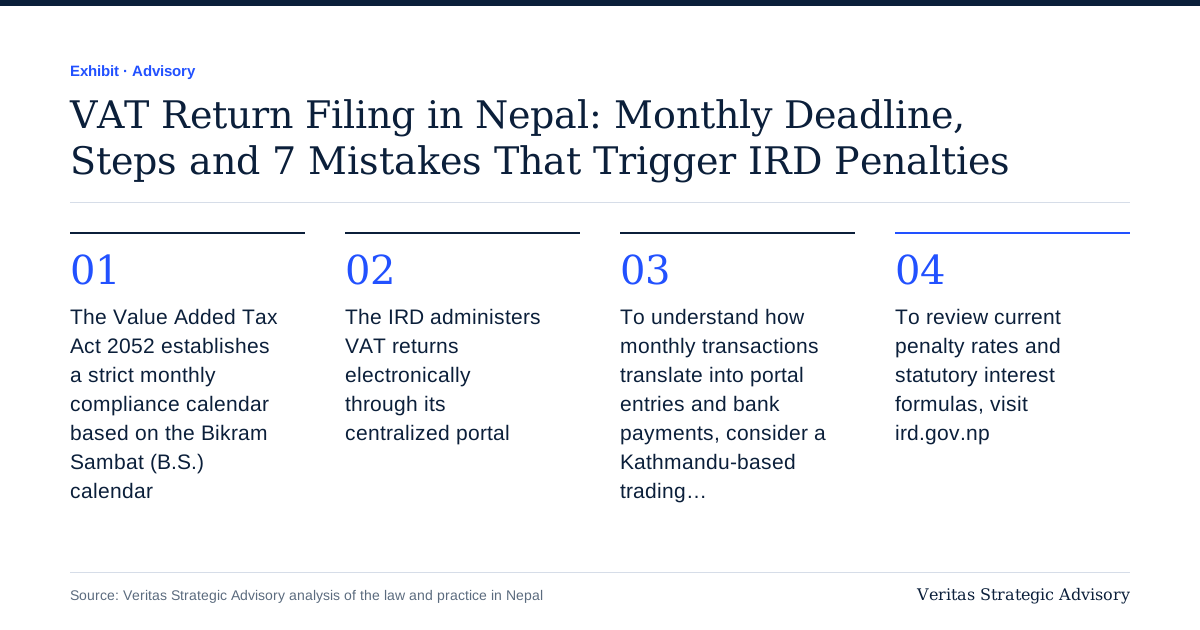
The Value Added Tax Act 2052 establishes a strict monthly compliance calendar based on the Bikram Sambat (B.S.) calendar. Registered taxpayers must submit their monthly VAT returns and clear any outstanding tax liability within 25 days following the conclusion of each Nepali month. For instance, transactions that take place during the month of Bhadra must be declared, and the resulting net tax settled, no later than Asoj 25.
Filing and payment are unified obligations under the law. You cannot submit your return without accounting for the tax liability, nor does paying the tax without filing the return satisfy statutory duties. Furthermore, the requirement to file remains absolute even when a business experiences zero commercial activity during a tax period. In such cases, the business must file a "nil return" within the same 25-day timeframe.
Failing to submit the return or delaying payment triggers statutory fees and interest under the provisions of the Value Added Tax Act. Because statutory rates and compounding schedules are subject to periodic regulatory updates, taxpayers should consult the official IRD portal at ird.gov.np to confirm current fee structures and interest calculations.
Step-by-Step Monthly VAT Filing on the IRD Portal
The IRD administers VAT returns electronically through its centralized portal. To complete the monthly filing accurately, businesses should execute the following sequence:
Reconcile Sales and Purchase Registers: Prior to logging into the system, ensure that your purchase book and sales book for the relevant Nepali month are closed, verified, and balanced. Every taxable entry must match your underlying physical or electronic billing records.
Access the Taxpayer Portal: Visit the IRD web portal at ird.gov.np. Log in to the taxpayer portal using your Permanent Account Number (PAN), designated username, and administrative password.
Navigate to the VAT Entry Module: From the portal dashboard, select the VAT return filing module. Select the appropriate fiscal year and the specific tax period (such as Bhadra) for which you are submitting data.
Input Sales Figures: Enter your total gross sales figures broken down into taxable sales subject to standard 13% VAT, exempt sales (if applicable), and any export supplies. The portal automatically computes the standard 13% output tax liability based on the taxable turnover entered.
Input Purchase Figures and Claim Input Tax Credit: Enter the total value of taxable purchases made from registered suppliers, along with zero-rated or exempt procurements. To claim an input tax credit, you must possess a valid tax invoice issued in conformity with the VAT Rules 2053.
Review Net VAT Position: The portal subtracts eligible input tax from total output tax. If output tax exceeds input tax, the portal calculates the net VAT payable. If input tax exceeds output tax, the balance reflects an excess credit carried forward.
Generate Payment Voucher: If a liability is payable, generate the electronic payment voucher through the system, noting the relevant transaction identification details, and settle the payment via designated banking channels or connectIPS.
Submit and Verify the Return: Confirm that the payment voucher matches the calculated liability, submit the return permanently, and download the electronic submission confirmation receipt for audit documentation.
Worked Example: Calculating Monthly VAT Payable in NPR
To understand how monthly transactions translate into portal entries and bank payments, consider a Kathmandu-based trading firm operating throughout the month of Bhadra.
During Bhadra, the trader registers the following commercial activities (all figures exclude VAT):
* Total Taxable Sales: NPR 8,00,000
* Total Taxable Purchases: NPR 5,00,000
The calculation proceeds as follows:
| Step | Calculation | Amount (NPR) |
|---|---|---|
| Output VAT on sales | 8,00,000 × 13% | 1,04,000 |
| Input VAT on purchases | 5,00,000 × 13% | 65,000 |
| Net VAT payable | 1,04,000 − 65,000 | 39,000 |
Under this scenario, the trader owes NPR 39,000 to the Inland Revenue Department. Both the return submission and the payment of NPR 39,000 must be concluded on or before Asoj 25.
Monthly VAT Compliance Checklist
| Stage | Compliance Task | Verification Requirement | Timing |
|---|---|---|---|
| Stage 1: Documentation | Collect and verify all purchase invoices | Ensure invoices are valid tax invoices under VAT Rules 2053 | Days 1–15 after month end |
| Stage 2: Bookkeeping | Update Purchase and Sales Books | Ensure books mirror source documents and ledger accounts | Days 15–20 |
| Stage 3: Reconciliation | Cross-verify physical bills with ledger | Confirm input tax eligibility and compute net position | Days 20–22 |
| Stage 4: Payment | Pay net VAT through approved banking channels | Match payment voucher amount to calculated net liability | By day 25 |
| Stage 5: Final Submission | File return on the IRD portal | Complete submission and archive confirmation slip | By day 25 |
7 Common Mistakes That Trigger IRD Penalties
Missing the 25-Day Submission Window: Delaying filing past the 25th day after the month ends generates non-filing penalties and compounding interest under the Value Added Tax Act.
Ignoring the Nil Return Requirement: Assuming that no sales means no filing obligation is a regular operational error. The IRD system marks non-filed periods as non-compliant, attracting late fees regardless of revenue.
Claiming Credit Without Valid Tax Invoices: Input tax credit cannot be claimed on the basis of estimates, delivery notes, or non-tax cash memos. Every claimed rupee must be backed by a compliant tax invoice.
Failure to Maintain Up-to-Date Registers: The law requires businesses to keep systematic purchase and sales books. Failure to present these books during an IRD audit or inspection can invalidate claimed credits.
Disconnect Between Portal Figures and Financial Statements: Submitting estimated numbers to meet deadlines leads to discrepancies when final audited financial statements are produced, inviting scrutiny.
Delaying Payment After Filing: Filing an accurate return on the 25th but delaying the settlement of the tax liability incurs statutory interest on the unpaid amount.
Claiming Restricted or Ineligible Input Tax: Claiming input tax on purchases that do not qualify for credit under statutory guidelines leads to adjustments, recovery actions, and penalties.
To review current penalty rates and statutory interest formulas, visit ird.gov.np.
How Veritas Advisory Supports Your Business
Operating out of Banasthali, Kathmandu, Veritas Advisory assists businesses in maintaining systematic VAT compliance and accounting governance. Our team of Chartered Accountants provides clear, structured support to ensure that your records satisfy every statutory benchmark established by the Value Added Tax Act 2052.
We assist enterprises with monthly register upkeep, transaction verification, and timely return submissions. See our VAT and tax filing service, the VAT FAQ, or, if you are not registered yet, our guide to VAT registration in Nepal. Withholding on supplier payments is a separate monthly job; our TDS rates guide and free TDS calculator help you get it right. Book a free consultation to have your next return reviewed before Asoj 25.
FAQ
What happens if our business has zero sales during a Nepali month?
You are still legally required to file a return, designated as a nil return, on the IRD portal within 25 days following the end of that Nepali month. Failure to file a nil return results in late filing fees under the Value Added Tax Act.
What constitutes a valid tax invoice for claiming input tax credit?
A valid tax invoice must satisfy the formatting, numbering, and disclosure specifications set forth in the VAT Rules 2053. It must clearly display the seller's and buyer's registered business details, PAN, invoice number, date, breakdown of taxable value, and the 13% tax amount.
When exactly is the monthly VAT payment due?
The payment is due within 25 days after the end of each Nepali month, coinciding with the return filing deadline. For example, VAT due on sales made in the month of Bhadra must be paid by Asoj 25.
Where can businesses verify late filing fees and interest rates?
Current statutory fines, administrative fees, and interest rates for late filing or overdue payments are set by the Value Added Tax Act and related finance legislation. Taxpayers should consult the Inland Revenue Department's official website at ird.gov.np for current statutory rates.
Are businesses required to keep physical purchase and sales books?
Yes, businesses must maintain regular purchase books and sales books that record all transactions sequentially. These books substantiate the values submitted on the IRD taxpayer portal and must be made available upon request during tax audits.
Source: Inland Revenue Department (ird.gov.np)
*General information only, not advice. Rules change, so confirm current requirements with IRD or a qualified adviser.*